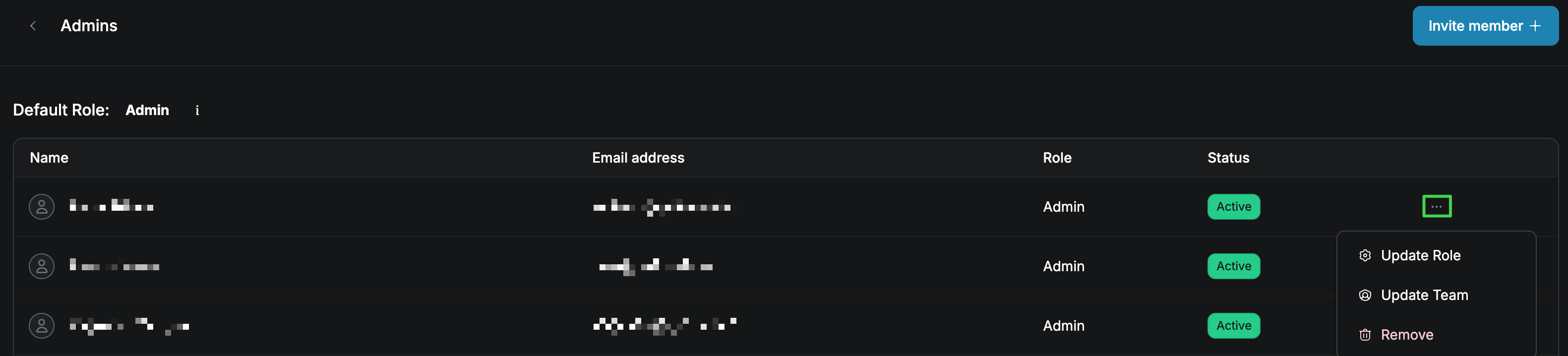
How do I manage team members on my account?
Last updated: April 3, 2025
Visit the QuickNode Dashboard to manage team members.
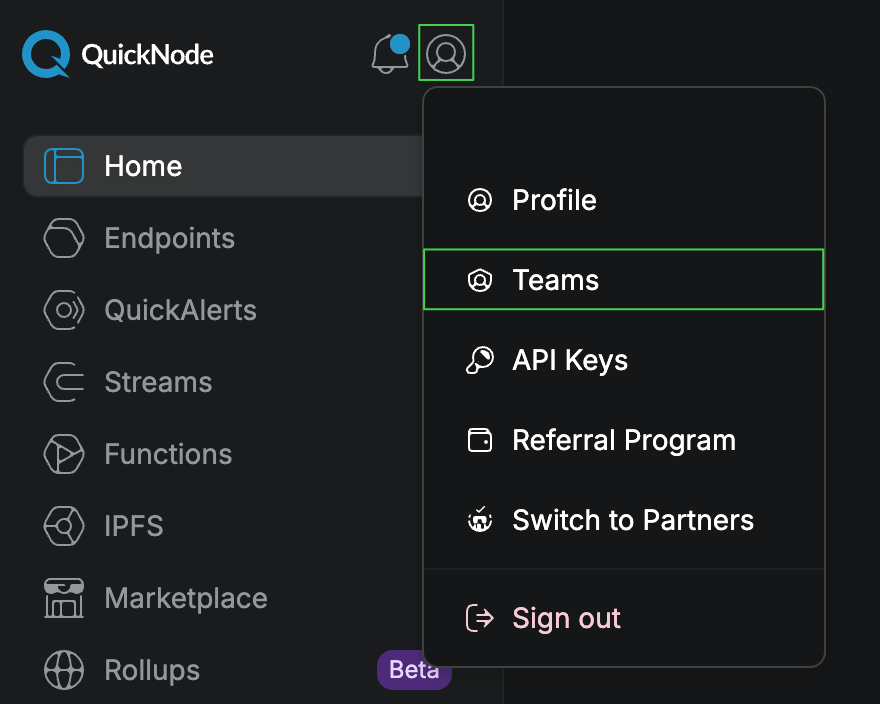
In the Teams area, you can view all the current members of your team.
To add a new team member, click the Invite users button to invite a new member to join your team. Only users in the Admins team can invite users.
If you need to remove an existing team member, click the … (more options) button and select the Remove option. Only the primary user of this account can remove users.